Scratch code without opening your IDE.
A floating Mac code pad on a global hotkey. Scratch text that stays on your Mac when you close the window—no project needed.
Get c0depad — US$5 base priceRequires an Apple Silicon Mac (M1 or later) · macOS 11+
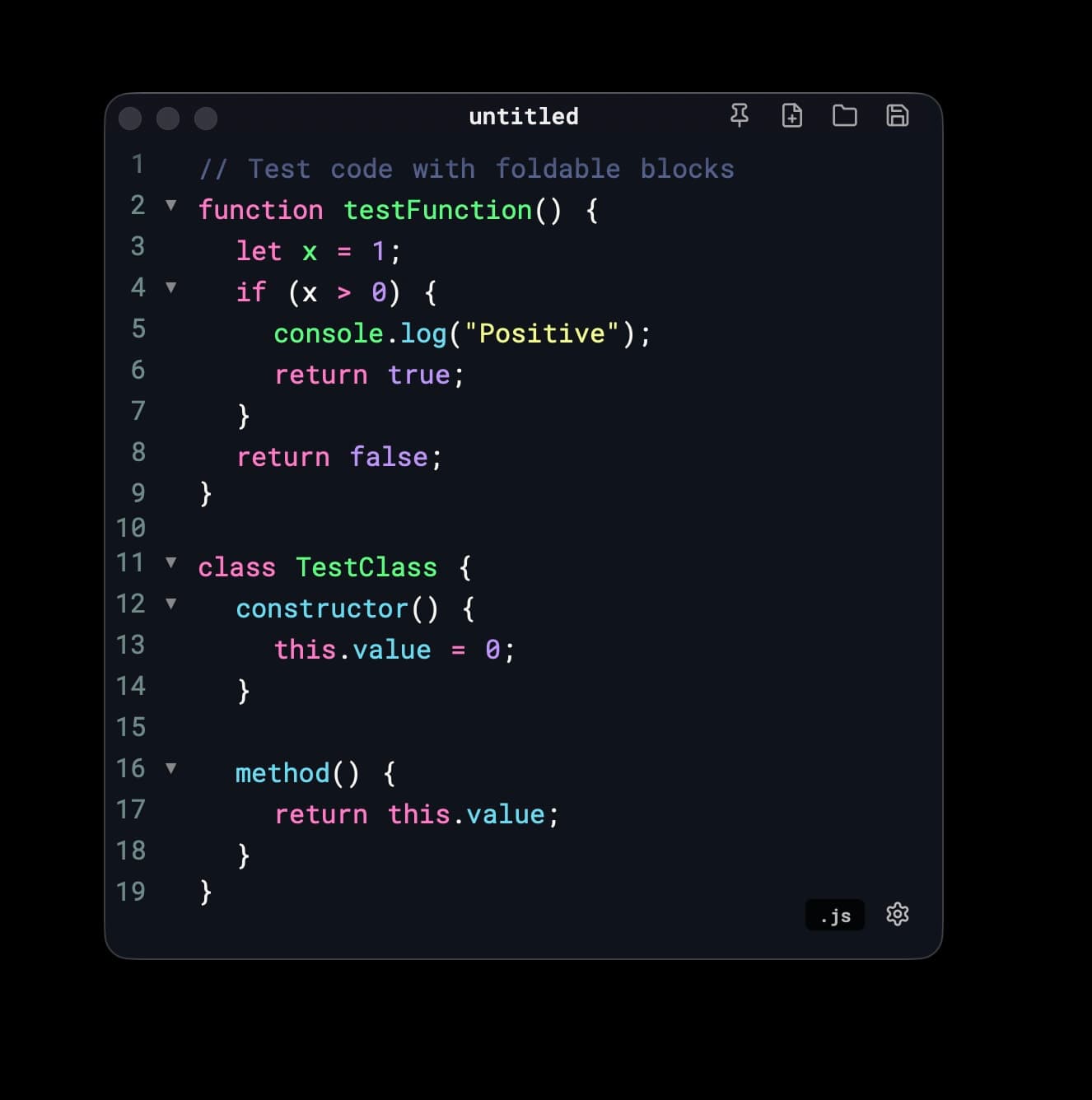
Built for scratch work
Persistent scratch buffers—outside the IDE. Summon, edit, close the window; your snippets stay put and out of git.
Global hotkey + always on top
Summon a code buffer over whatever you're doing—browser, Terminal, or Slack.
Persistent scratch text
Close the window; your scratches are still there. Scratch buffers, without opening a project.
Code-first editing
Syntax highlighting plus Cmd+D and Cmd+L—no workspace, no save dialog, no repo clutter.
Guides
Short practical guides from Wataru Watanabe on scratch editing and everyday Mac habits.
- Edit nested Google Sheets formulas outside the formula barCopy a long Sheets formula into a scratch pad, break it onto lines with ⇧⌥F, fix the logic, and paste it back into the cell.
- Fix a CSV in bulk without opening a spreadsheetPaste CSV rows into a text pad, replace every pending status with ready, and keep leading zeros such as 02139 intact.
- Make a one-line JSON API response readablePaste a single-line JSON payload, format it onto lines, scan the keys or find a field, and copy the result back.
- Mac developer tips I keep usingpbcopy and pbpaste, cd - and git switch -, screenshot shortcuts, caffeinate, Finder from the terminal, and VS Code multi-cursor.
Working in the browser, Terminal, or Slack and need somewhere to drop a snippet? Hit your hotkey. Tiny Tauri scratchpad that stays on top, keeps scratch text across restarts, and stays out of your git tree. Not Notes. Not CotEditor. Not a second VS Code window.
Requires an Apple Silicon Mac (M1 or later) · macOS 11+
Direct-download Mac app · one-time purchase on Gumroad · final price and taxes at checkout
Support
Questions about editing, local data, updates, or a purchase? Contact Wataru Watanabe (w22 digital lab) at hello@w22.dev or read the support guide. Please remove private code, passwords, and access tokens from screenshots or logs.
Requirements
Requires an Apple Silicon Mac (M1 or later) · macOS 11+. Intel Macs are not supported. See the requirements note.
Editing and scratch storage stay on your Mac. Direct-download update checks use the network; this website uses Vercel Web Analytics. Read our privacy policy for the distinction.