Fix a CSV in bulk without opening a spreadsheet
Wataru Watanabe · w22 digital lab · October 9, 2026
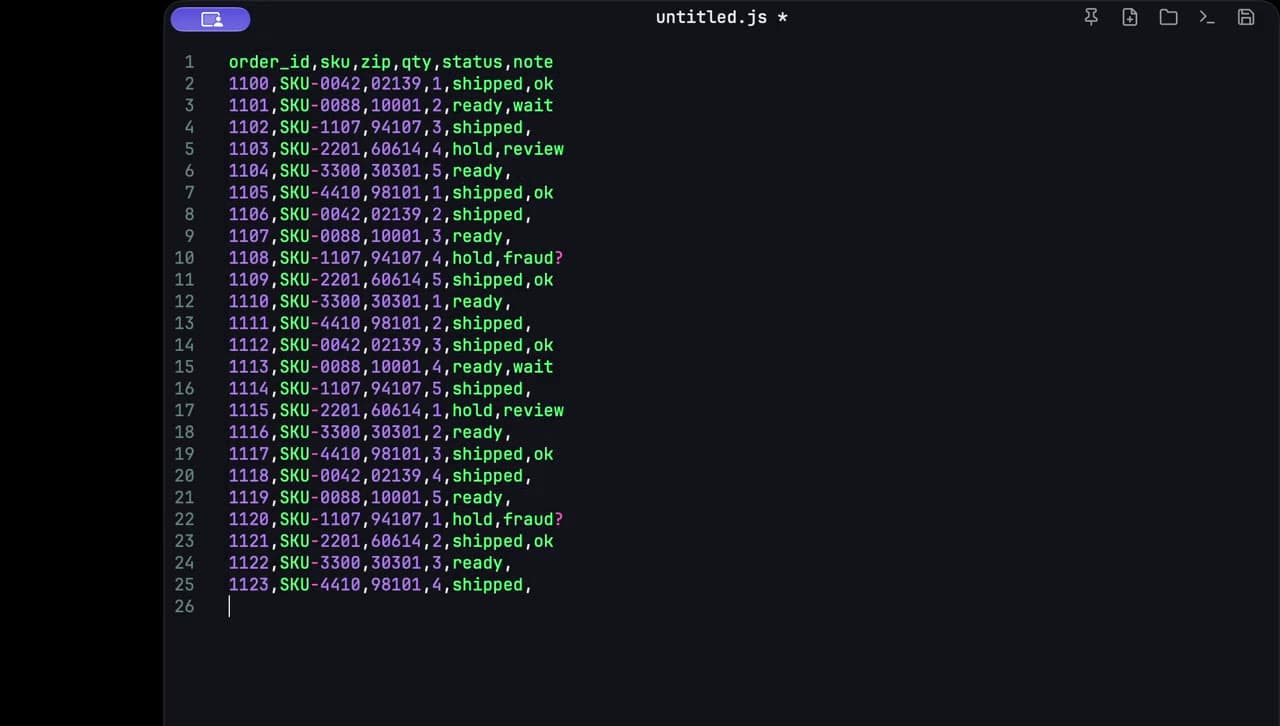
Opening a spreadsheet to change one word in a status column is the slow path. It is also how a zip code like 02139 turns into the number 2139. For a bulk text fix I paste the rows into a scratch pad, replace the word, and copy them back.
Paste the rows
I copy the CSV from wherever it already is — a download, a ticket, a gist — and paste it into c0depad. The pad is text. It does not open a workbook, and it does not guess that a column is numeric.
A few rows are enough to show the edit:
order_id,sku,zip,qty,status,note
1100,SKU-0042,02139,1,shipped,ok
1101,SKU-0088,10001,2,pending,wait
1104,SKU-3300,30301,5,pending,
1108,SKU-1107,94107,4,hold,fraud?
Find pending, replace all with ready
I open Find, search for pending, and replace all with ready. Search runs locally, with the rest of the editing. shipped and hold stay as they are, because those words are not the search.
order_id,sku,zip,qty,status,note
1100,SKU-0042,02139,1,shipped,ok
1101,SKU-0088,10001,2,ready,wait
1104,SKU-3300,30301,5,ready,
1108,SKU-1107,94107,4,hold,fraud?
Before I copy anything back, I scan the rows. Replace all will also change pending if it shows up in the note column. In this extract it is only the status, so the replace is the whole job.
Leading zeros stay put
02139 is still 02139 after the replace. A spreadsheet often coerces that cell to a number and drops the zero. A text pad leaves the characters alone, which is the reason I do not open the sheet for this kind of fix.
Then I copy the rows and paste them back to the file or the ticket they came from. If I get interrupted, the scratch text is still there when I open the pad again.
The same copy-out, edit, copy-back loop is how I read a nested Sheets formula and how I unwrap a one-line JSON payload.